# Banner Slider Extension on Magento 2.0
Welcome to Banner Slider on Magento 2.0 Installation! We're glad that you are interested in our extension.

First time in the market, Magento 2 Banner Slider is upgraded to be compatible with Magento 2 and is promised to become the hottest FREE extension.
Still with full features as the previous version, Magento 2 Banner Slider will attract customers right from the very first moments they are on site:
- Get customers' attention with eye-catching images
- Choose among up to 36 positions & a variety of effects to display slides
- Highlight your promotion, campaign or any events by using banner slider
- View & analyze report for the effectiveness of the slides
TRY LIVE DEMO HERE:
Frontend Demo
Backend Demo
New to Magento? Need some help?
If you're not sure about the following, you probably need a little help before you start installing the Banner Slider extension:
* Is the Magento software installed already?
* What's a terminal, command prompt, or Secure Shell (ssh)?
* Where's my Magento server and how do I access it?
Step 1: Verify your prerequisites
Use the following table to verify you have the correct prerequisites to install the Magento software.
| Prerequisite |
How to check |
For more information |
| Magento version Community Edition 2.0 |
Go to admin page, you can see version of Magento 2 at left bottom page, |
Download Magento version Community Edition 2.0 here |
If you're not sure how to install Magento 2.0, click here for tutorial!
Step 2: Pre-Installation
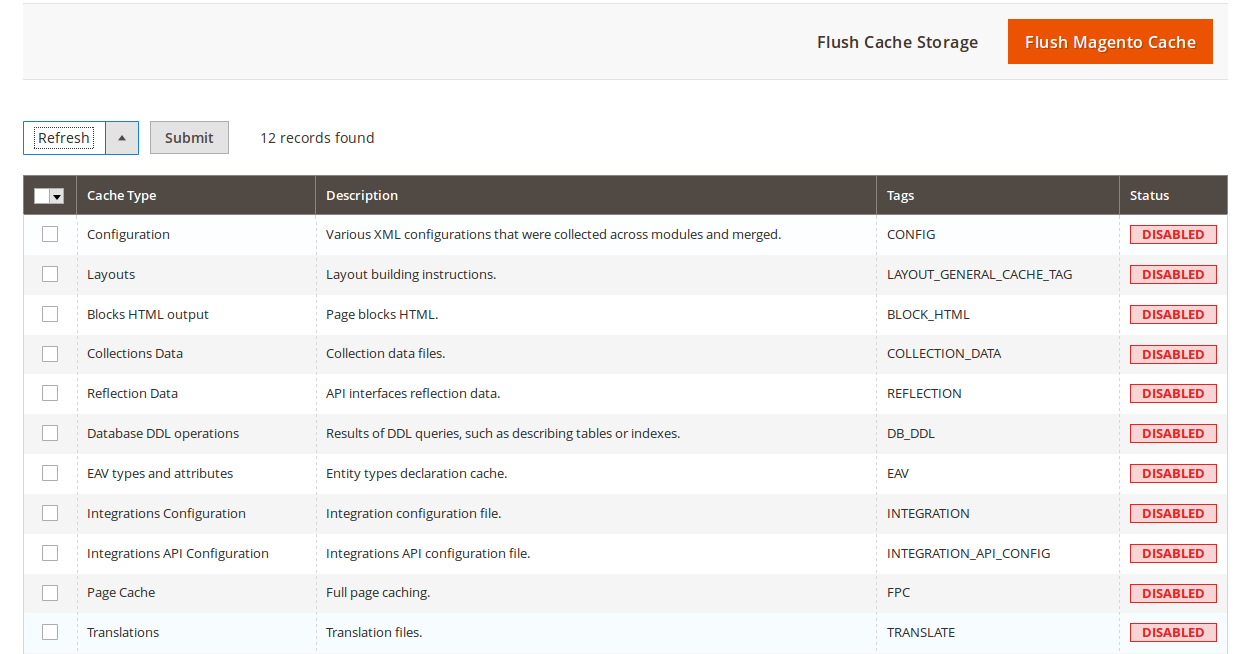
The Magento front end relies heavily on caching to provide a faster experience to customer. This is a wonderful tool, but can wreak havoc during the installation process. To ensure that cache is not the cause of any problem, you'd better turn it off. This can be done from the admin console by navigating to the Cache Management page (System->Cache Management), selecting all caches, clicking "disable" from the drop-down menu, and submitting the change.
 You also should run the Magento software in developer mode when you’re extending or customizing it. You can use this command line to show current mode :
php bin/magento deploy:mode:show
Use this command to change to developer mode :
php bin/magento deploy:mode:set developer
You also should run the Magento software in developer mode when you’re extending or customizing it. You can use this command line to show current mode :
php bin/magento deploy:mode:show
Use this command to change to developer mode :
php bin/magento deploy:mode:set developer
Step 3: Install and verify the installation
-Install by Composer : You can install the module by Composer (If your server supports Composer). Please go to the Magento folder and run the command:
composer require magestore/module-bannerslider
-Install by uploading files:
You can download as "zip" file and unzip Banner Slider extension or clone this repository by the following commands:
Use SSH: git clone git@github.com:Magestore/Bannerslider.git
Use HTTPS: git clone https://github.com/Magestore/Bannerslider.git
When you have completed, you will have a folder containing all files of this extension.
Then, please create the folder app/code/Magestore/Bannerslider and copy all files which you have downloaded to that folder.
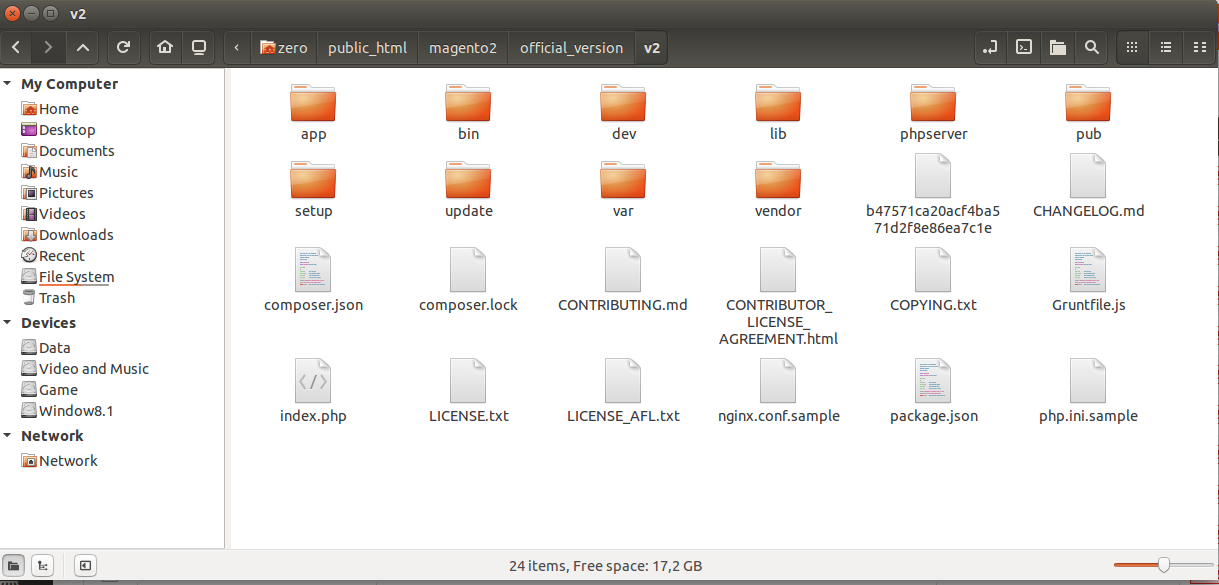
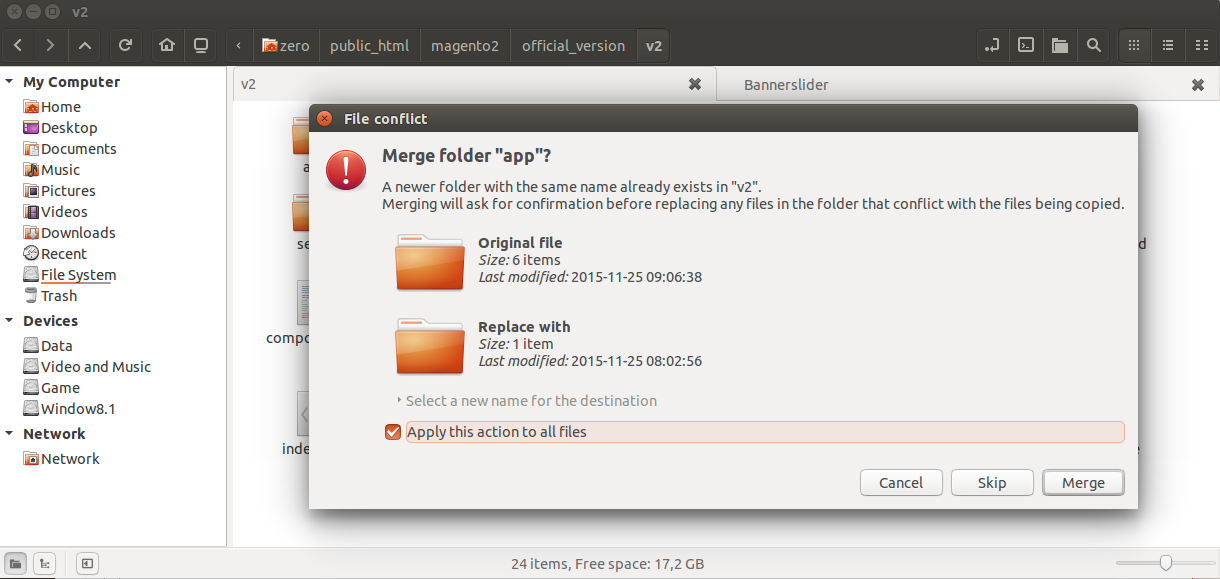
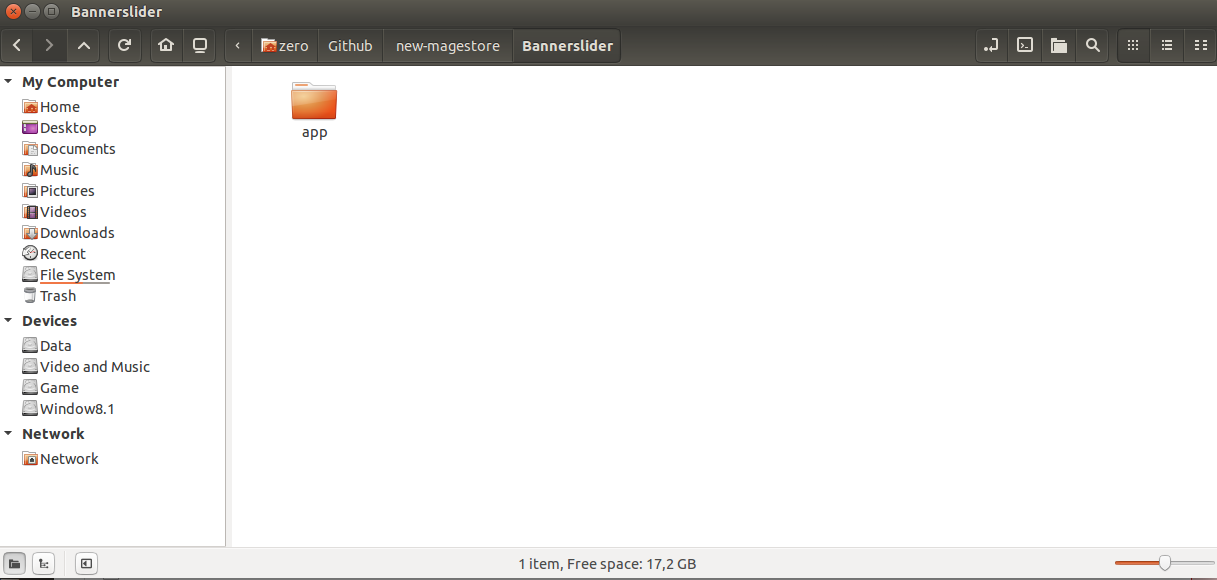 After that, please uploaded the app folder to your Magento 2 root folder.
 Then you open a terminal application, change to magento root directory and use command line :
cd [magento 2 root folder]
php bin/magento setup:upgrade
Example :
Then you open a terminal application, change to magento root directory and use command line :
cd [magento 2 root folder]
php bin/magento setup:upgrade
Example :
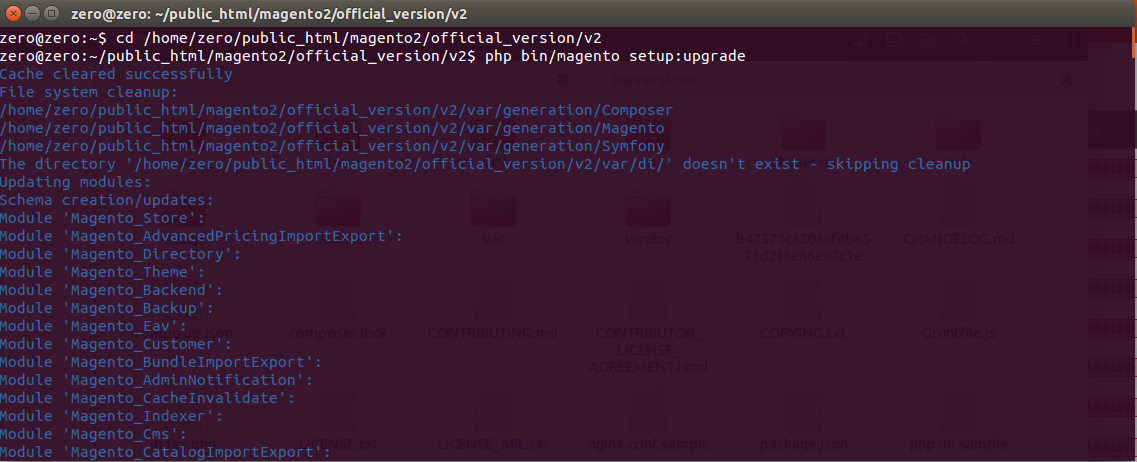 Wait a second to complete installation process:
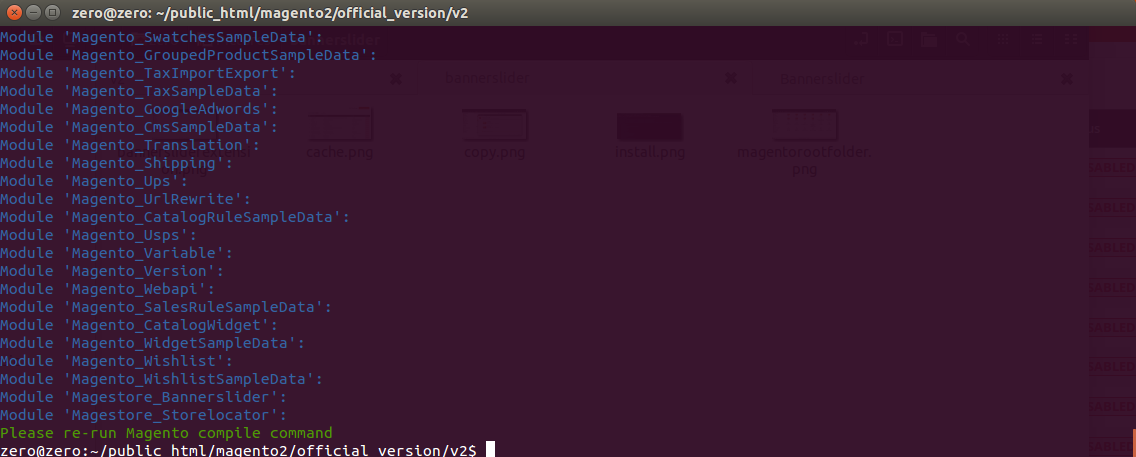 After that, if your website is in the production mode, please run the command:
php bin/magento setup:static-content:deploy
Finally, coming back to Magento 2 admin to check if Banner Slider extension is installed properly:
After that, if your website is in the production mode, please run the command:
php bin/magento setup:static-content:deploy
Finally, coming back to Magento 2 admin to check if Banner Slider extension is installed properly:
